
Integrations
Vercel
Vercel deployments are detected automatically through the GitHub App - no webhook needed. Results are posted as GitHub PR comments.
Setup
- Install the GitHub App
- Authorize for your org or user account and select the target repositories.
- In your TesterArmy project, choose the installation and repository.
TesterArmy detects Vercel preview deployments via GitHub deployment status events and resolves the PR from the commit SHA.
Deployment protection bypass
If Vercel deployment protection blocks preview URLs, add a bypass token:
- In Vercel: Project Settings → Deployment Protection → Protection Bypass for Automation - create and copy the token.
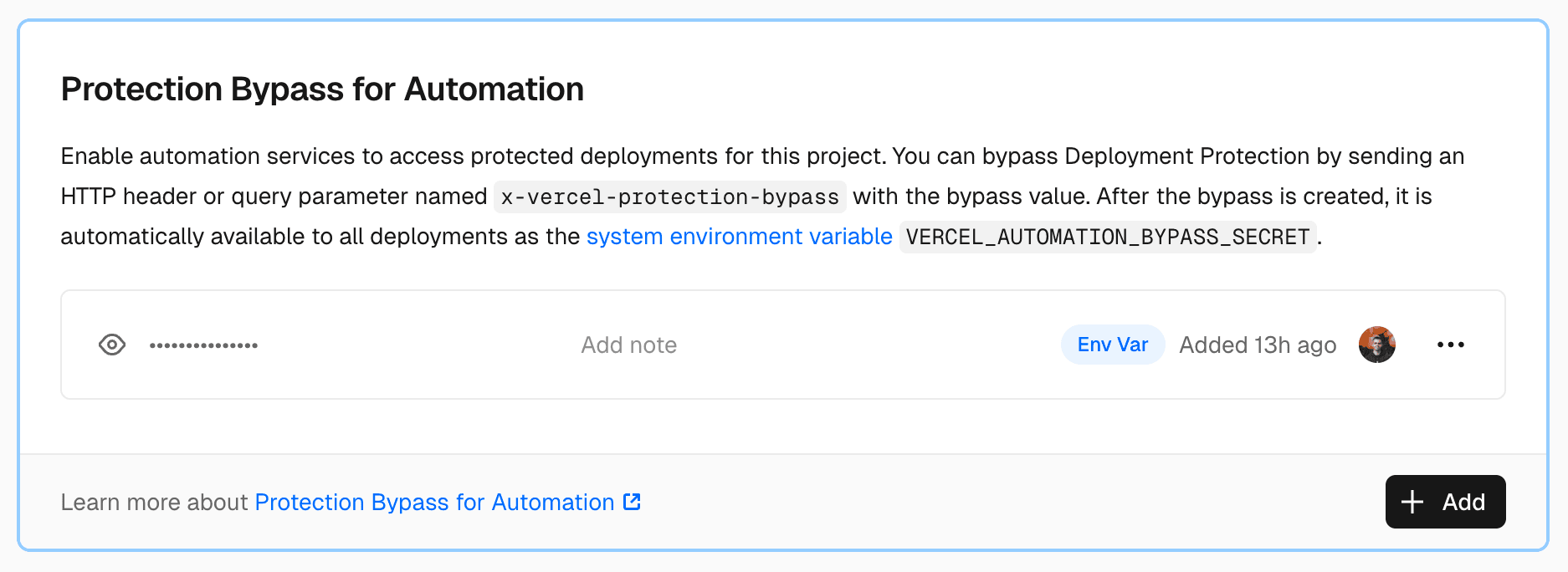
- In TesterArmy: Project Settings → CI/CD → paste the token.