
Run
Production Monitoring
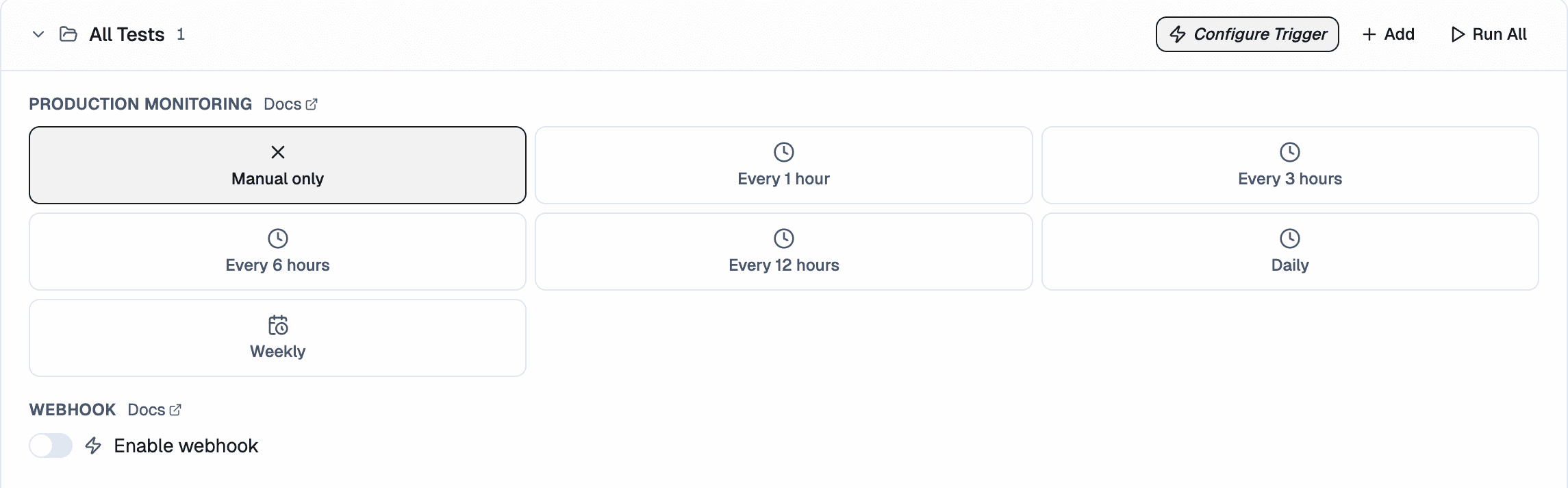
Production Monitoring execute tests at a fixed time, on repeat. Use them for nightly smoke checks, regression catching, or monitoring key flows outside of PR activity.
Set up Production Monitoring
- Open Project → Tests tab.
- Click the Triggers button.
- Click New Production Monitoring.
- Set:
- Frequency: Hourly, Daily, or Weekly
- Time and timezone
- Day of week (weekly only)
- Test group to execute - each production monitor runs a test group you've already created
- Save.
Failure notifications
If any test in a monitored run fails, you'll receive an email notification so you can act on it right away. You can also get failure alerts in by connecting your workspace.